
Data Recovery in Hyderabad — And Upgrades That Make an Old Laptop Fast Again
Two different problems, one department. Your files are missing, or your machine is so slow you want to throw it out of the window.
Both are usually fixable, and both start with a free check at our Madhapur shop.
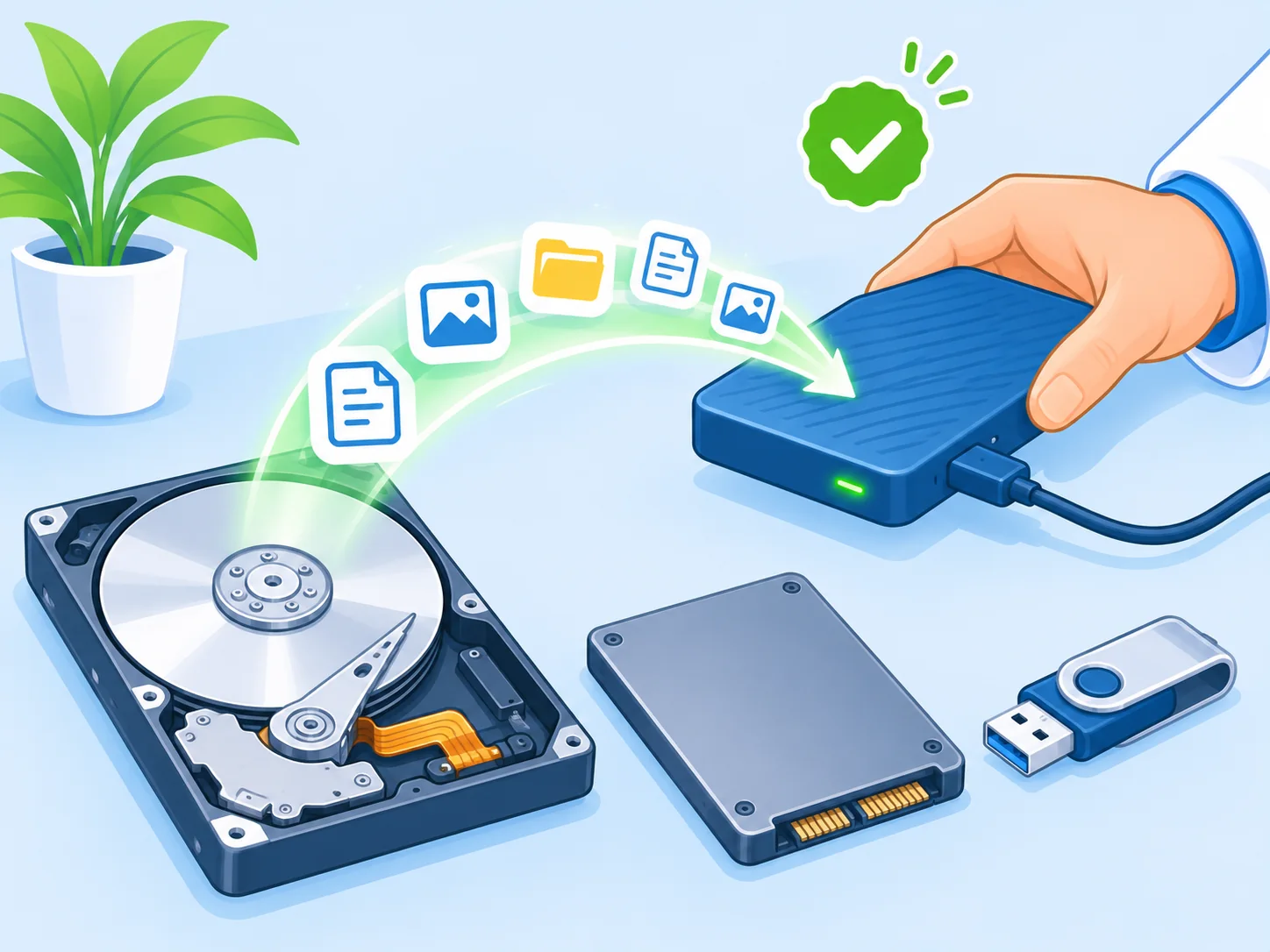
Hard Disk and SSD Data Recovery
Photographs from ten years ago. Your company's accounts. A project due on Monday. That is what is actually at stake when a drive fails — and people usually make it worse in the first hour by trying things at home.
Cases we handle
- Deleted by mistake — files, folders, or a drive that was formatted.
- Drive not detecting — the laptop does not see the hard disk or SSD at all.
- Clicking or beeping hard disk — switch it off immediately and bring it in.
- Dead laptop, working drive — the laptop is finished but the data is fine. The easiest case, and very common.
- Windows not starting — data is usually completely safe here; we recover it before reinstalling.
- Pen drives and memory cards — not detecting, or showing "format disk".
- External hard disks — dropped, not spinning, or not recognised.
What we will tell you honestly
Not everything can be recovered. If a drive has physical head damage it needs a clean-room laboratory, which is specialised and expensive work. We will tell you that plainly rather than take your money and try anyway, and we can point you to a lab if you want to go that route.
For everything else — logical failures, deleted data, bad sectors, dead machines — we recover in-house.
What NOT to Do
- Do not keep switching the drive on and off to check.
- Do not install recovery software onto the same drive. It writes over the very data you want back.
- Do not open the drive casing. Ever.
- Do not hand it to someone who says "format kar dete hain, data aa jayega." It will not.
Bring it in. The check is free and we will tell you what is realistically recoverable before you spend anything.
SSD and RAM Upgrades
Your five-year-old laptop is probably not finished. It is probably just short of two things.
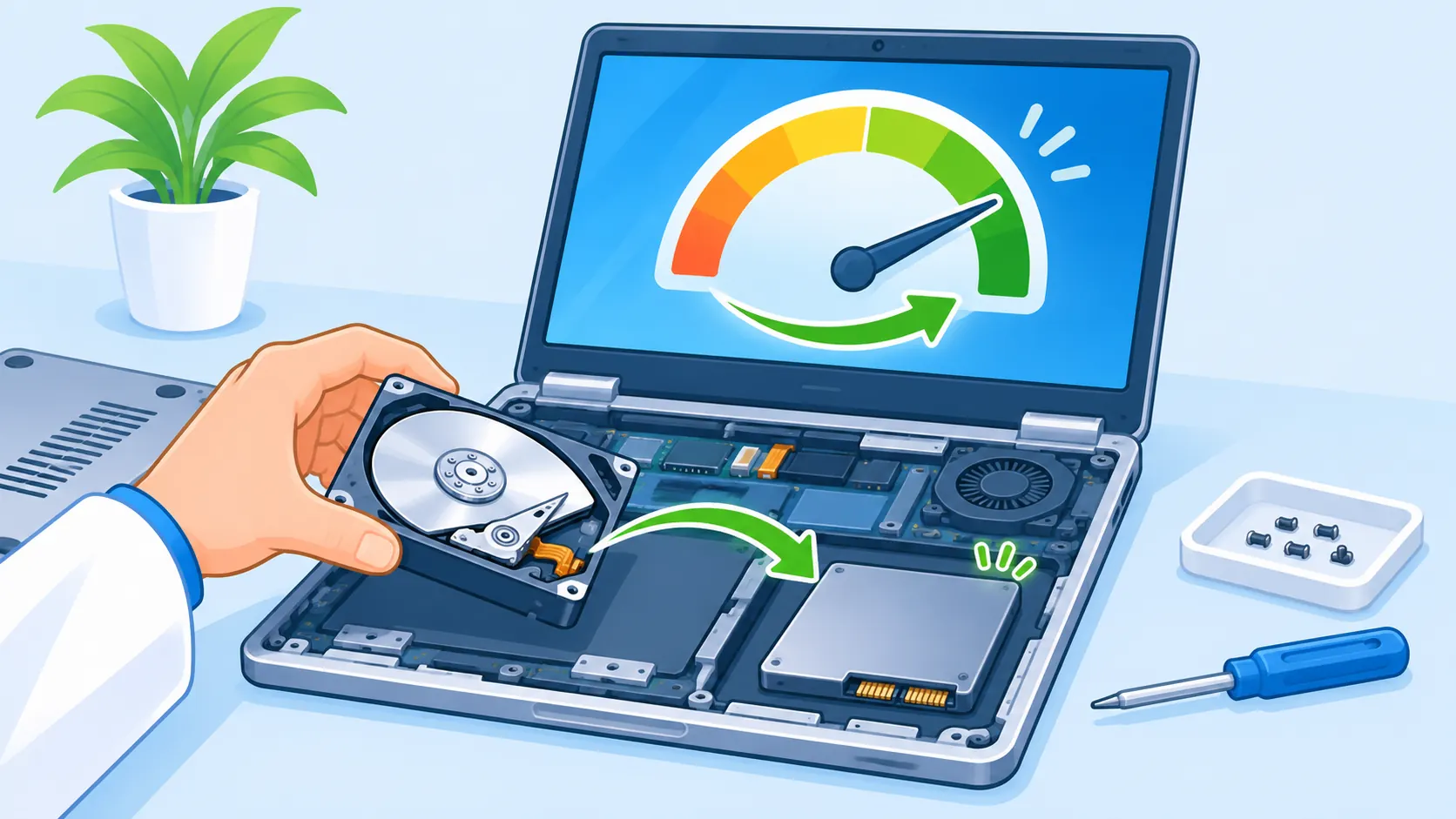
SSD upgrade — the single biggest improvement
Swapping an old hard disk for an SSD is the difference between a laptop that takes four minutes to start and one that takes twenty seconds. If your machine is from 2019 or earlier and still has a mechanical hard disk, this one change will surprise you.
We copy your existing Windows, files and software across, so nothing is lost and you do not have to set everything up again.
RAM upgrade — for people with 20 tabs open
If your laptop slows to a crawl when Chrome, Excel and Zoom are all open, it is running out of memory. We check what your model supports and what is already fitted, then add or replace accordingly.
Windows and software setup
Windows installation, drivers, essential software and a clean set-up. Often done together with an SSD upgrade.
For offices
Upgrading ten old machines costs a fraction of buying ten new ones and delivers most of the benefit. We will check your systems and tell you which are worth upgrading and which are genuinely finished.
See our AMC plansHow It Works
Bring in the machine or the drive.
Or WhatsApp us the problem first.
Free check.
For recovery, we tell you what is recoverable and roughly what it will cost. For upgrades, we tell you what your model supports and what difference to expect in real use.
You approve the price.
Nothing starts before that.
Work done.
Recovery time depends on drive size and condition. Upgrades are usually same-day.
Handover.
Recovered data is given to you on your own drive or pen drive, and we do not keep a copy.
Related Services
- Laptop completely dead but you need the files? We can usually get the data out even if the machine is beyond repair — see chip-level repair
- Machine slow and physically damaged? See laptop & desktop repair
Data Recovery and Upgrade Questions
Can data be recovered from a laptop that does not switch on?
In most cases, yes. If the laptop has a power or motherboard fault, the storage drive itself is usually untouched. We remove the drive, read it on our equipment and copy your files out. It is one of the most common jobs we do, and usually far simpler than customers fear.
How much does data recovery cost in Hyderabad?
It depends entirely on why the drive failed. Logical failures and deleted files are the least expensive, typically ₹2,000 to ₹6,000. A drive with physical damage that needs a clean-room laboratory costs considerably more and is specialised work. We check your drive free of charge and tell you which category it falls into before you commit.
Is my data safe with you? Will anyone see it?
We handle drives with personal photographs, company accounts and confidential office files every week. Recovered data is returned to you on your own drive and we do not retain a copy. If your material is particularly sensitive, tell us and we will handle it accordingly.
Will an SSD really make my old laptop faster?
Yes, and it is usually the most noticeable upgrade you can make. Starting Windows, opening programs and switching between applications all become dramatically quicker, because on an older machine the mechanical hard disk is normally the slowest part. We move your existing Windows and files across, so you lose nothing and reinstall nothing.
How much RAM does my laptop need?
For normal work — browsing, Excel, email, video calls — 8 GB is comfortable in 2026, and 4 GB will struggle. For design software, virtual machines or a lot of Chrome tabs, 16 GB is worth it. Bring the laptop in and we will check what is fitted and what the model supports.
Can you recover data from a pen drive or memory card?
Usually yes, if the device is still detected by a computer, even when it shows an error or asks to be formatted. Stop using it immediately and do not format it. Bring it to our Madhapur shop and we will check it at no charge.
My hard disk is making a clicking noise. What does that mean?
Clicking or beeping usually means a mechanical fault inside the drive, which is the most serious kind. Switch it off straight away and do not try again — every further attempt can cause more damage to the surface where your data sits. Bring it in as it is, and we will tell you whether it needs a clean-room lab.
Can you recover data from a formatted drive?
Often yes, if the drive has not been written to since. Formatting usually removes the index rather than the data itself, so the files are frequently still there. The critical thing is to stop using the drive immediately — every new file written over that space reduces what can be recovered.
Do I need to give you my laptop, or just the drive?
Either. If you are confident removing the drive, bring just that. If not, bring the whole machine and we will take it out. For laptops that will not switch on, bring the whole machine anyway — the fault may be worth repairing once the data is safe.
How long does data recovery take?
Straightforward cases are often done within a day. A large or failing drive has to be read slowly to avoid making things worse, and that can take two to three days. We give you a realistic timeline after the free check rather than a hopeful one.
Can you upgrade my laptop's processor?
On the vast majority of laptops, no — the processor is soldered to the board and cannot be changed. RAM and storage are the upgrades that are possible and, fortunately, they are also the two that make the biggest difference in day-to-day use.
Should I upgrade my old laptop or just buy a new one?
If the machine is physically sound and the only complaint is speed, an SSD and RAM upgrade usually gives you two or three more useful years for a small fraction of the price of a new laptop. If the screen, hinges and battery are also failing, that money is better put towards a replacement. We will tell you which side of that line your machine is on.
Don't Format It. Bring It In First.
Free check on any drive.
Mon–Sat, 10 AM – 8 PM · Pillar No. 1753, Arunodhaya Colony, Madhapur, Hyderabad – 500081